
How to Choose a Golf Simulator for Home in 2026
Last Updated: November 14, 2026
Quick Summary
To choose a golf simulator for home, measure your room before you shop: ceiling height at the highest point of the swing, width at the screen, depth behind your backswing, and hitting-area clearance. Size the screen and enclosure to the room first, then pick a launch monitor and projector that fit those limits.
- A golf simulator combines a launch monitor, impact screen and enclosure, projector, and software.
- Camera-based launch monitors need controlled lighting and less ball flight, suiting shorter rooms.
- Match projector brightness to room light and mount distance to the throw ratio.
- Audit door, stair, and hallway widths before buying, since screens ship on long tubes.
- Plan a dedicated circuit, outlet placement, and wired network before installation.
Table of Contents
- Start With Your Room, Not the Technology
- Best Golf Simulator for Small Space: What Actually Fits
- Launch Monitors, Impact Screens, and Projectors: The Core Components
- Golf Simulator Software: What to Look For
- Home Golf Simulator Setup: Installation and Local Service Planning
- Home Golf Simulator Packages vs. Building Your Own
- Try Before You Buy: Validating Accuracy at Open Tee Golf
- Frequently Asked Questions
Start With Your Room, Not the Technology
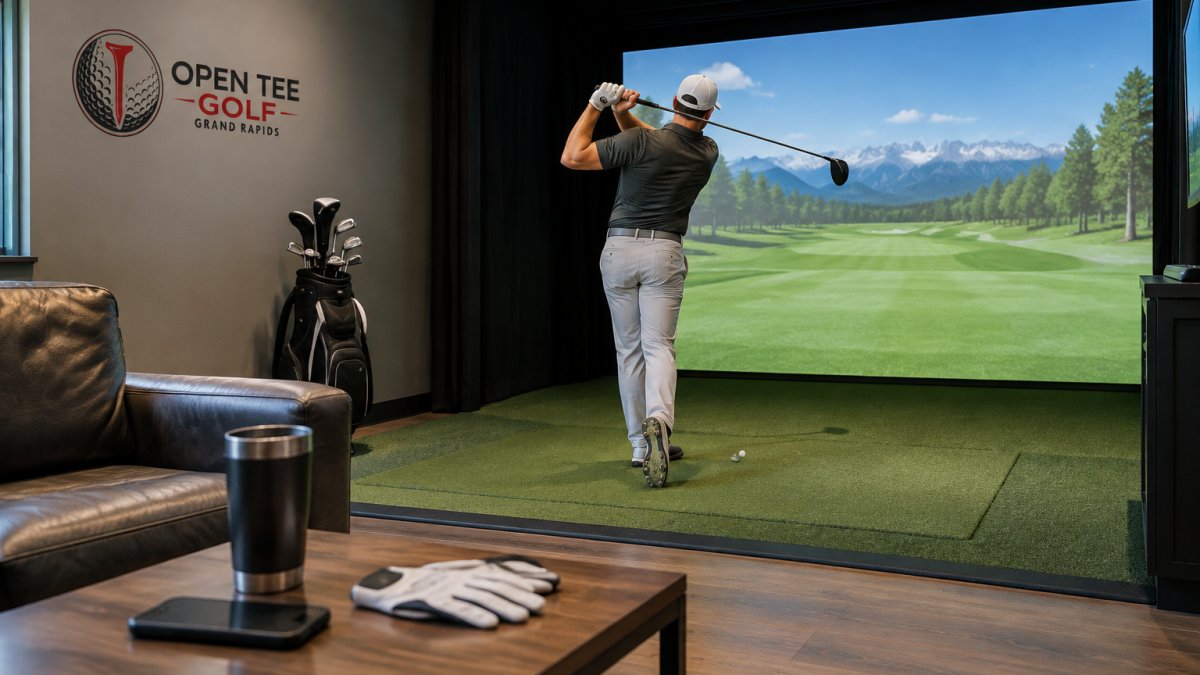
The best way to choose a golf simulator for home is to measure your space before you shop. Most buyers do this backwards: they fall for a launch monitor on a spec sheet, then discover the room can't hold a full swing. At Open Tee Golf, our private bays are designed around the swing first and the electronics second, and that order saves money.
A golf simulator is a combination of three systems working together: a launch monitor that tracks the club and ball, an impact screen and enclosure that stop the shot, and a projector that puts the virtual course in front of you. Software ties them together. Get the room wrong and none of it matters.
Below, we cover the measurements that decide what fits, how the components differ, and what to validate before you buy.
A Simple Room-Measurement Worksheet
Measure these five things and write them down before you compare a single product:
- Ceiling height at the highest point of the swing area, not the room average
- Room width wall to wall at the screen
- Room depth from screen to the back of your backswing
- Hitting-area clearance behind and beside the ball for a full driver swing
- Door, stair, and hallway width on the path to the room
Then add a safety margin to each figure. A common mistake is measuring to the joist and forgetting the drywall and ductwork above it. In practice, the number that rules out most basements is ceiling height under a finished ceiling.
Cold-Weather and Garage Operation
Garages are the most popular first location and the hardest on equipment. Michigan winters push temperatures well below freezing, and a cold garage changes both the golfer and the gear. Mats stiffen, screens lose tension, and electronics dislike rapid temperature swings.
Our advice: treat a garage bay as a seasonal room. Watch out: storing a projector in an unheated garage through a freeze can fog the lens and shorten its life.
Best Golf Simulator for Small Space: What Actually Fits
Three formats cover most small rooms:
- Radar units with reduced flight: track the ball for the first few feet and calculate the rest
- Camera-based units placed close to the ball: read club and ball at impact
- Compact enclosures: narrower frames that still stop a mis-hit
For a tighter footprint, prioritize the enclosure and screen dimensions over the launch monitor's brand. The screen is the fixed object in the room.
Launch Monitors, Impact Screens, and Projectors: The Core Components
The launch monitor is the brain of a home golf simulator setup, and the screen and projector are the body. A launch monitor measures ball speed, launch angle, spin, and club path, then software turns that data into a shot on a virtual course. Screens absorb the impact; projectors throw the image. Each component has a real trade-off, and the trade-offs interact.
Launch monitors: camera vs. radar
Camera and radar systems read the swing differently, and each has trade-offs in lighting and space.
- Camera-based units sit close to the ball and read club and ball at impact. They tend to need controlled lighting and a clear view of the hitting zone, and they generally require less ball flight, which suits shorter rooms.
- Radar units track the ball for the first few feet and calculate the rest. They can work with more ball flight and often need less precise lighting, but they demand more depth behind the ball and can be sensitive to metal or clutter in the flight path.
- Hybrid systems combine both approaches and are common in professional-grade setups.
To see what professional-grade tracking looks like in a real facility, read about the world's most accurate golf simulator and the Full Swing technology behind it.
Impact screens: weave and tension matter more than names
For the screen, look at weave and tension rather than marketing names.
- Weave affects how the screen absorbs impact and how the image reads.
- Tension decides both image flatness and safety. An under-tensioned screen wrinkles and can whip back; an over-tensioned screen stresses the frame.
- Size should be set by the room's width and height, not by the launch monitor's brand.
Enclosures: containment first
The enclosure is the safety system. Check frame depth and width against your swing clearance, and confirm the side and top netting actually covers a mis-hit driver.
Projectors: brightness and throw ratio
For the projector, match brightness to room light and mount distance to the throw ratio.
- Brightness should be chosen for the room's light level, not the spec sheet's maximum. A dim basement bay needs less brightness than a garage with daylight leakage.
- Throw ratio decides where the projector mounts. A short-throw projector mounts close to the wall, which suits tight rooms; a standard-throw projector needs more distance behind the hitting area.
- Mount point should be decided before the enclosure is assembled.
Software: the fourth component
Software ties the system together.
| Component | What It Decides | What to Check |
|---|---|---|
| Launch monitor | Shot data and accuracy | Camera vs. radar, lighting needs, depth behind the ball |
| Impact screen | Safety and image quality | Weave, tension, size |
| Enclosure | Containment | Frame depth and width, netting coverage |
| Projector | Image size and clarity | Brightness for room light, throw ratio, mount point |
| Software | Courses and practice modes | Course library, swing analysis, practice tools |
A common mistake is buying one component for its spec sheet and discovering it does not fit the room the other components were sized for. Size the screen and enclosure to the room first, then choose the launch monitor and projector that work inside those limits.
Golf Simulator Software: What to Look For
Golf simulator software determines what you actually do with the data. The best packages combine a deep course library, clear swing analysis, and practice modes that turn numbers into a plan.
Look for four things:
- Virtual golf courses you'll genuinely play, not a bloated list
- Swing analysis that shows club data and ball data side by side
- Practice goals you can set and track over weeks
- User-friendly features for guests and left-handed or right-handed golfers sharing a bay
A common mistake is buying software for the course count and ignoring the practice tools.
Home Golf Simulator Setup: Installation and Local Service Planning
A home golf simulator setup succeeds or fails on installation planning. Delivery, assembly, screen tension, projector alignment, and network setup all need a plan before the boxes arrive.
Step 1: Audit the path before you buy
Walk the route from the street to the room and write down every pinch point:
- Door and stair width, enclosure frames ship in sections, but screens ship rolled on long tubes and projector boxes are bulky. Measure the narrowest door and the stairwell turn.
- Thresholds and turns, a 90-degree turn at the top of a basement stair is the most common delivery blocker.
- Floor protection, plan for cardboard or moving blankets on finished floors and stair treads.
- Garage-to-basement route, if the room is a basement bay, confirm the path does not require lifting a screen tube over a railing.
Step 2: Plan electrical and network needs
Most home bays need more than one outlet and a stable network connection:
- Dedicated circuit, a projector, launch monitor, PC, and lighting on one shared circuit invites nuisance trips. Ask an electrician whether a dedicated circuit is warranted.
- Outlet placement, put outlets where the launch monitor and projector actually sit, not where the room's existing outlets happen to be.
- Network, a wired connection is more reliable than Wi-Fi for software updates and online play; confirm the router location or plan a mesh node.
- Lighting control, camera-based launch monitors are sensitive to light. Plan dimmable or switched lighting over the hitting area.
Step 3: Decide who installs and who services
Ask three questions before you commit to any system:
- Who assembles the enclosure and tensions the screen? Screen tension affects both image quality and safety.
- Who recalibrates the launch monitor after a move, a software update, or a lighting change?
- What is the response time for a service visit in the Wyoming and greater Grand Rapids area?
If you'd rather understand the upkeep before you commit, review indoor golf simulator maintenance standards for the daily, weekly, and monthly tasks that keep tracking accurate.
Step 4: Build a service calendar
A home bay is not install-and-forget. A practical calendar includes:
- Weekly: wipe the screen, check mat wear, vacuum the hitting area
- Monthly: inspect frame fasteners, clean the projector filter, verify software updates
- Seasonally: re-check screen tension, recalibrate if the room's lighting or layout changed
If the calendar sounds like more than you want to own, that is useful information before you buy, not after. Compare Open Tee Golf membership options to see what year-round access looks like next to a home build.
Home Golf Simulator Packages vs. Building Your Own
Home golf simulator packages bundle the launch monitor, screen, enclosure, projector, and software at one price, while building your own lets you match each part to your room and budget.
Building your own wins when your room has an unusual shape or ceiling, because you can size each component to the space.
Compare a home build against facility access honestly:
- A home build carries a price range that depends on components, plus installation and upkeep
- A membership spreads access across the year with no equipment to maintain
- Facility access suits golfers who want to test before committing
If you're weighing the two, compare Open Tee Golf membership options to see what year-round access looks like next to a home build. At Open Tee Golf, members get the most value by golfing more than 3 times within the month.
Try Before You Buy: Validating Accuracy at Open Tee Golf
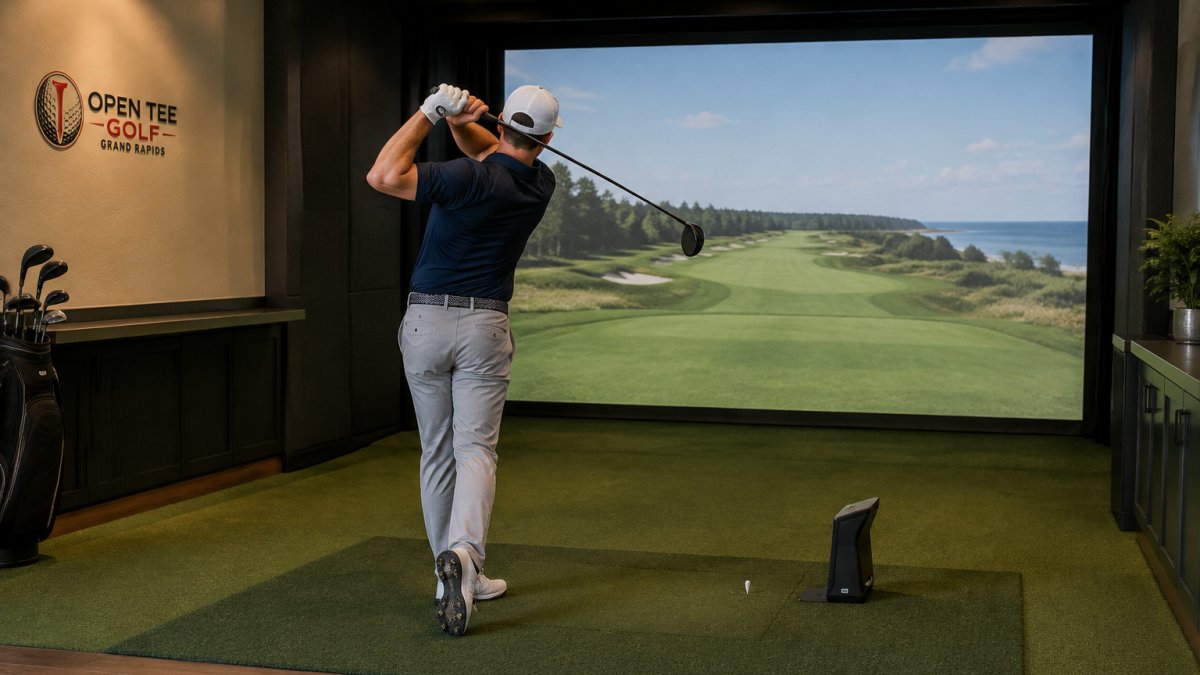
The fastest way to validate a simulator is to hit on one you trust before you buy. Accuracy depends on how well the launch monitor reads club and ball, and you can only judge that by hitting shots and comparing the numbers to your real game.
If you're new to the technology, read how indoor golf simulators measure accuracy first so you know which metrics matter for beginners.
At Open Tee Golf, our private, climate-controlled bays in Wyoming run Full Swing simulators 24/7, so you can practice at any hour. When you're ready, visit Open Tee Golf to schedule a tour and see the bays for yourself.
Choosing a home golf simulator comes down to the room you have, not the launch monitor you want. If you'd rather skip the install, the upkeep, and the guesswork, Open Tee Golf offers 24/7 access to private bays with Full Swing technology, climate-controlled comfort year-round, and no tee times to fight for.
Frequently Asked Questions
How much space do you need for a home golf simulator?
Check your backswing clearance before buying, and confirm the simulator's published minimums. Measure the room, then confirm the simulator's published minimums before buying anything.
How accurate are home golf simulators compared to real course conditions?
Accuracy depends on the launch monitor and how well it reads club and ball. Testing a FullSwing bay at Open Tee Golf lets you see how the data feels before you commit.
What should I look for in golf simulator software?
Look for course variety, practice modes with swing analysis, multiplayer support, and regular updates. Check whether the software runs on the hardware you already own and whether subscriptions are required. Practice-focused golfers should prioritize ball and club data displays; social players should prioritize course play and league features.
How much is a good golf simulator for your house?
Pricing varies by configuration, so request a quote from Open Tee Golf for the exact components you want.
