
Best Golf Simulator Features for Beginners Explained
Quick Summary
The most useful golf simulator features for beginners are consistent shot feedback, quick setup and simple practice modes. Focus first on ball speed, launch angle, spin and carry distance, since these four numbers are easy to act on. Add extra metrics and virtual courses only after you know your typical distances.
- Start with three or four readable numbers before adding more metrics.
- Choose a unit with quick startup and clear on-screen prompts.
- Guided drills and target practice build skills faster than virtual courses.
- Measure room length and ceiling height before buying any home setup.
- Price the full home build, not only the launch monitor.
Table of Contents
- How Launch Monitor Tracking Works and Why It Matters Early
- Practice Modes, Guided Drills and Virtual Courses
- Best Golf Simulator for Small Space: Room Size, Ceiling Height and Enclosure Needs
- Best Home Golf Simulator on a Budget: Feature Priorities at Each Price Point
- Golf Simulator Home Setup Cost: What the Full Build Adds Up To
- Choosing Between Best Golf Simulator Packages and Booking Private Bays at Open Tee Golf
- Frequently Asked Questions
Golf Simulator Features That Matter Most for Beginners
Best golf simulator features for beginners do not have to be complicated, and this guide from Open Tee Golf cuts through the spec sheets to show what actually matters when you are just starting out. Most new golfers face a flood of numbers and marketing claims. We recommend focusing on a short list of features that help you learn faster, practice more consistently and avoid spending money on capabilities you will never use. The good news is that a few well-chosen features do most of the work.
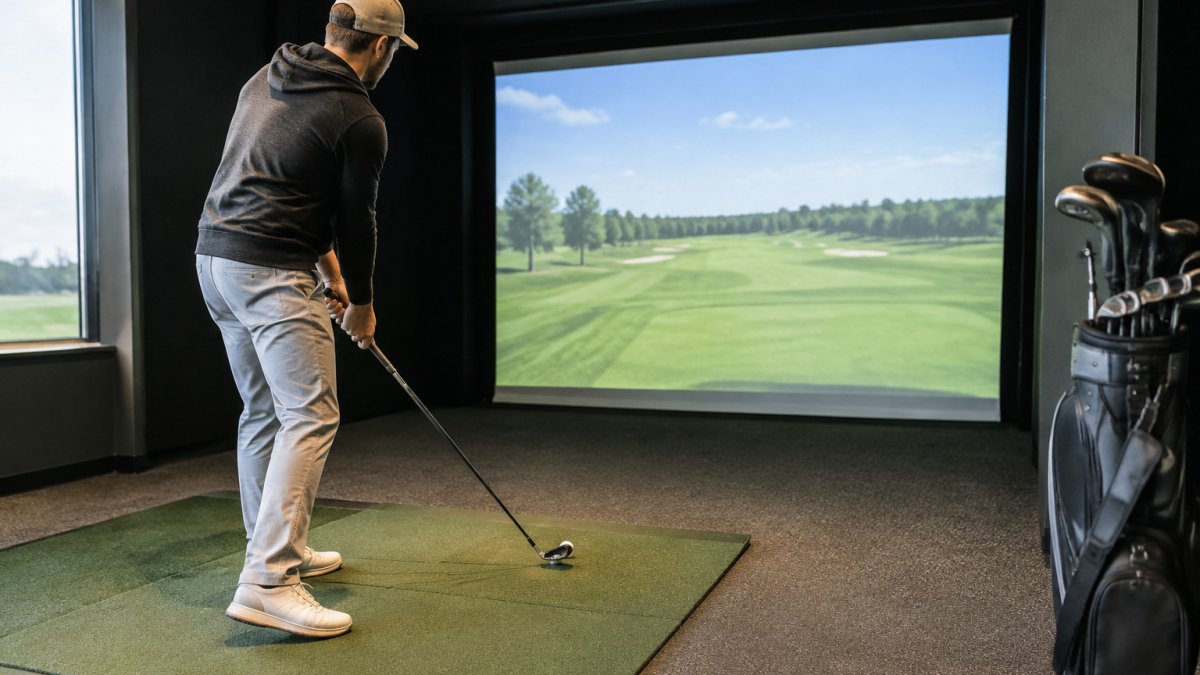
For a beginner, the most useful feature is simple, reliable shot feedback. Ball speed, launch angle, spin and carry distance tell you why a shot flew the way it did. Watch out: a simulator that shows a dozen metrics can overwhelm a new player. Start with three or four numbers you can actually act on, and add more as your understanding grows.
Ease of setup and use comes next. A system that takes thirty minutes to calibrate before every session discourages practice. Look for quick startup, clear on-screen prompts and built-in practice modes that let you hit balls without setting up a full virtual course. Consistency of readings matters just as much as the number of features, because inconsistent data teaches bad habits.
Practice structure is where beginners gain the most. Guided drills, target practice and stroke-based games keep sessions focused. Virtual courses are fun, but they are a poor substitute for knowing your baseline distances first.
Ask about the tracking method and whether the readings are validated for your swing speed before you commit.
How Launch Monitor Tracking Works and Why It Matters Early
A launch monitor is the sensor that measures a golf shot, and its tracking method determines how accurate your data will be. Understanding the difference helps you avoid buying the wrong unit for your room and budget.
Camera-Based vs. Radar-Based Tracking
Camera-based units use high-speed cameras to observe the ball and club as they leave the face. Radar-based units send out a signal and measure the returning reflection. Camera-based units use high-speed cameras to observe the ball and club, and radar-based units measure a returning signal. Both can serve a beginner, so the right choice depends on your room.
Early tracking matters because it shapes what you learn. If your launch monitor reads spin or launch angle incorrectly, you will chase the wrong fix. Accurate early data builds a reliable picture of your swing.
Practice Modes, Guided Drills and Virtual Courses
Practice modes are where a beginner turns a simulator into a teacher. Look for modes that target one skill at a time, such as distance control with a wedge or consistent start direction with a mid-iron. Guided drills with clear targets give you a goal for every swing.
Virtual courses add motivation. Playing a familiar hole keeps practice enjoyable and gives context to your numbers. Use them after you have a feel for your typical distances, so the scorecard reflects real progress rather than guesswork.
Best Golf Simulator for Small Space: Room Size, Ceiling Height and Enclosure Needs
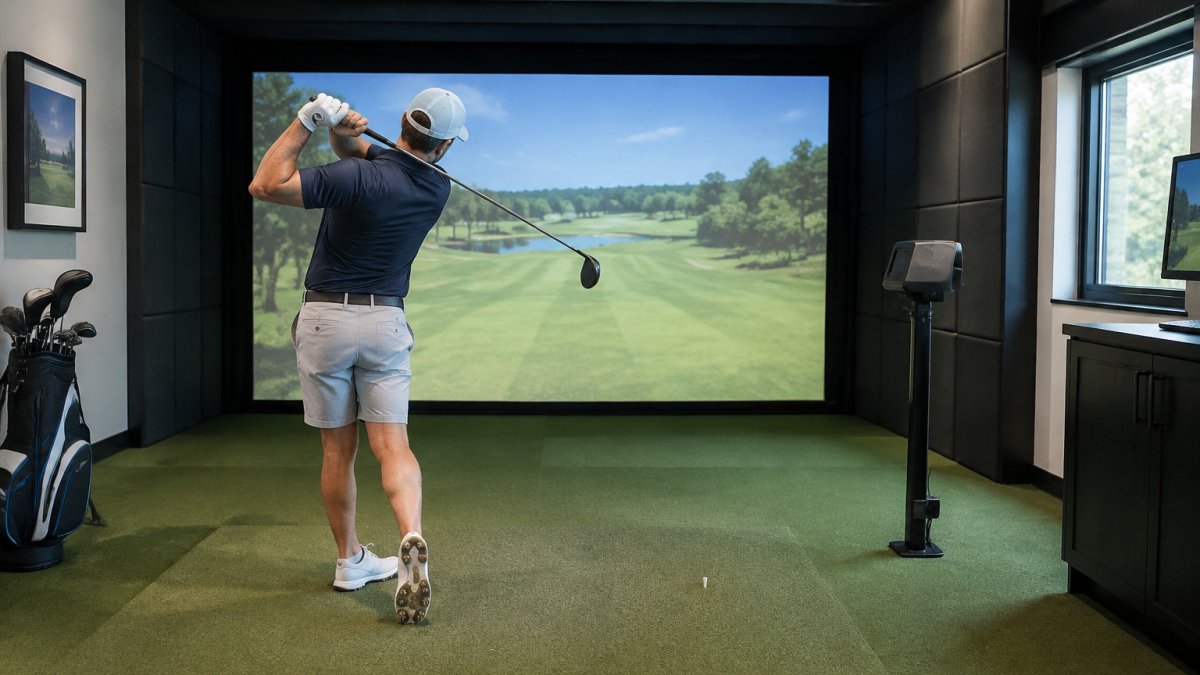
A small room is common for home setups, so check dimensions before buying. You need enough length behind the hitting mat for the screen and enough height for your longest club. An enclosure with netting or an impact screen keeps balls contained and protects walls and furniture.
Ceiling height is the constraint most people miss. Measure the room, then compare that figure to the manufacturer's minimum specifications. Compact packages can fit a spare room, but they often sacrifice swing space, so confirm your swing will not hit the ceiling or walls.
Best Home Golf Simulator on a Budget: Feature Priorities at Each Price Point
Budget shopping for a beginner is not about finding the cheapest launch monitor. It is about spending in the order that improves your learning fastest. Rank features by beginner importance before you compare prices, because a cheaper unit with readable, consistent feedback beats a feature-heavy unit whose numbers you cannot act on.
A practical beginner priority order looks like this:
- Consistent, readable shot feedback. Ball speed, launch angle, spin and carry distance are the four numbers most new golfers can use immediately. A unit that reports these reliably is worth more than one that reports fifteen metrics you cannot interpret.
- Quick startup and simple practice modes. If a session takes thirty minutes to calibrate, you will practice less. Favor systems with fast startup, clear on-screen prompts and built-in target or range modes.
- A stable hitting mat and contained hitting area. A poor mat teaches you to protect your wrists and changes your swing. Netting or an impact screen keeps balls in the room and protects walls.
- Software that fits your practice. Range and target practice matter more early than full virtual courses. Confirm whether the software is included or requires a subscription.
- Display and graphics. A projector and premium course graphics are nice, but they are the last thing a beginner should pay for.
Golf Simulator Home Setup Cost: What the Full Build Adds Up To
The launch monitor is only one line item, and beginners routinely underestimate the rest. A complete home build includes the launch monitor, an enclosure or netting, an impact screen, a projector or display, a hitting mat, a computer or tablet if the software requires one, and any software subscription. Price each line separately, then add them, because a low launch-monitor price can sit on top of a much larger room build.
Build a simple total-cost-of-ownership worksheet with these rows:
- Launch monitor: the sensor and its included software.
- Hitting mat: a stable mat that does not punish your wrists.
- Enclosure or netting: containment for the room you actually have.
- Impact screen: the surface the ball hits, if you use a projector.
- Projector or display: optional at first; a tablet or laptop can run range practice.
- Computer: only if the software requires one.
- Software subscription: check whether it is annual, monthly or included.
- Installation and electrical: mounting, cabling and any outlet work.
- Consumables and replacement: balls, screen wear and mat wear over time.
Then compare that total against the alternative: booking private bays. At Open Tee Golf in Wyoming, MI, members practice in fully private bays with Full Swing simulators, 24/7 access and no tee times. For current prices or a quote, review our membership plans and pricing.
Before you commit to any purchase, consider asking whether you can demo the unit or software, what the warranty covers, and how returns work.
The article breaks the home build into separate line items, which is easier to compare at a glance:
| Line item | What it covers | Note |
|---|---|---|
| Launch monitor | Sensor and included software | Price it separately from the rest |
| Hitting mat | Stable surface for swinging | A poor mat changes your swing |
| Enclosure or netting | Contains the balls in your room | Fit it to the room you have |
| Impact screen | Surface the ball hits with a projector | Only needed with a projector |
| Projector or display | Shows the course or target | Optional at first |
| Computer | Runs the software if required | Only if the software needs one |
| Software subscription | Ongoing software access | Annual, monthly or included |
| Installation and electrical | Mounting, cabling, outlet work | Often overlooked |
Choosing Between Best Golf Simulator Packages and Booking Private Bays at Open Tee Golf
A home package requires space, setup time and upfront investment. At Open Tee Golf in Wyoming, MI, members practice in fully private bays with Full Swing simulators, 24/7 access and no tee times, which suits beginners who want quality equipment without building a room at home.
If you want to see how membership compares to a build, review our membership plans and pricing. When you are ready to test a private bay, you can visit Open Tee Golf to tour the facility and ask questions. For a closer look at the technology behind shot tracking, explore the Full Swing simulator experience.
For a broader cost comparison, read our analysis of whether indoor golf is worth it. If you are deciding between indoor simulator practice and outdoor practice, this comparison of indoor golf and an outdoor range covers accuracy, cost, weather and feedback.
Frequently Asked Questions
Are golf simulators good for beginners?
Yes, for most beginners a simulator is a practical place to build fundamentals. Launch monitor data such as ball speed, launch angle and spin rate shows what a swing produced, which helps a new golfer connect a change in setup or tempo to a change in ball flight. Look for guided practice modes and simple feedback screens, because they make early sessions less overwhelming. A simulator will not replace on-course experience, so pair indoor work with occasional rounds to test what transfers.
What features should beginners look for in a golf simulator?
Beginners should prioritize accurate launch monitor tracking, a clear display of a few core metrics, guided drills and an easy setup. Virtual course play helps keep practice enjoyable. A safe impact screen and enclosure matter if you hit at home. Skip advanced club-fitting analytics until you have a consistent swing, since they add cost without solving early problems.
Do beginners need a golf simulator with a launch monitor?
A launch monitor is the component that produces the shot data, so a simulator built around one gives more useful feedback than a projector and screen alone. Beginners can learn a lot from basic metrics like carry distance and shot dispersion without tracking every number.
Can you use a golf simulator in a small space?
Yes, but room size, ceiling height and the swing clearance behind the hitting mat decide what is safe and accurate. Measure before buying and allow space for a full backswing with a driver. A compact setup with a sturdy enclosure works best in a small room. For a fully private, climate-controlled space with no setup work, you can book a private bay at Open Tee Golf in Wyoming, MI.
