
7 Signs High-End Simulator Technology Is Worth It
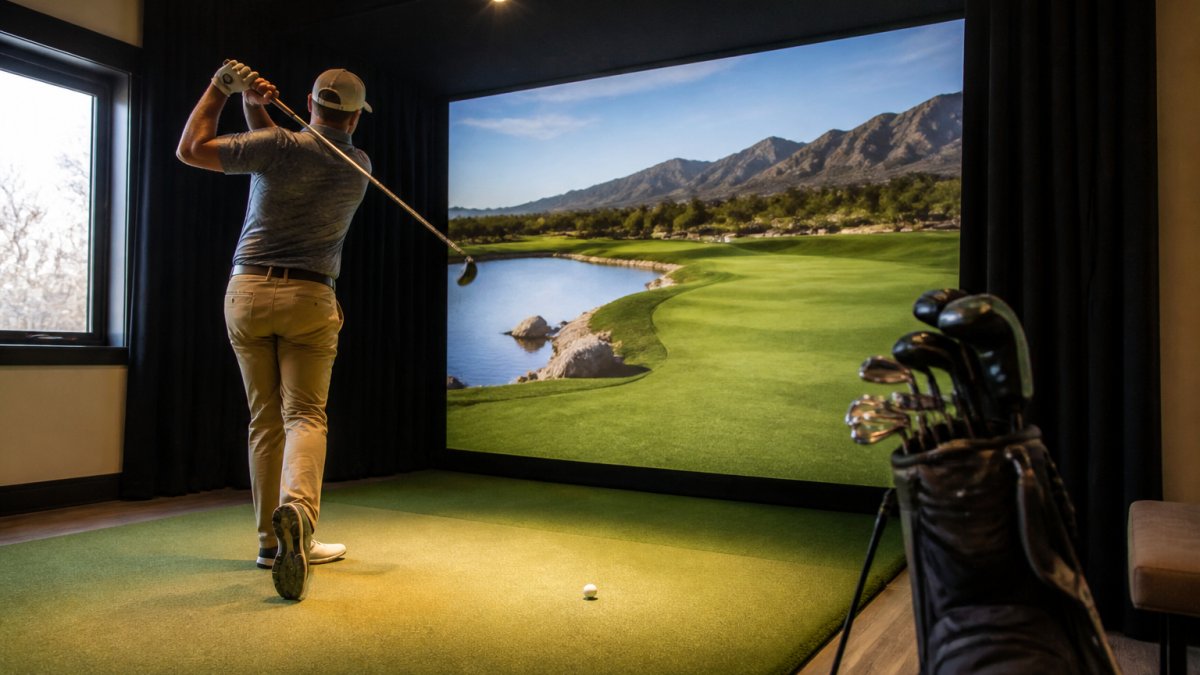
Last Updated: November 3, 2026
Quick Summary
High-end simulator technology is worth it when you practice two or three times a week, because premium radar and camera systems deliver accurate data and year-round access. For most players, a membership beats buying, since five-year costs come out lower with no resale risk.
- Three components eat most of the budget: the launch monitor, the impact screen and projector, and the turf and enclosure.
- Many platforms charge a recurring subscription for course libraries and online play for as long as you own the system.
- Run the total cost of ownership over five years, adding hardware, software fees, a screen replacement, a mat replacement, and calibration.
- Simulator hardware depreciates like consumer electronics, so plan on recovering only a fraction of the hardware cost.
- Michigan humidity and temperature swings can make screens sag, cause condensation on electronics, and drift sensors out of calibration.
Table of Contents
- What Separates High-End Simulator Technology From Budget Rigs
- Full Swing Simulator Accuracy: Does the Data Transfer to Real Courses?
- Golf Simulator Software: The Subscription That Decides Long-Term Value
- Indoor Golf Simulator Benefits That Justify the Premium
- Total Cost of Ownership: What DIY Setups Really Cost
- Resale Value, Maintenance, and Smart Home Integration
- When a Private Simulator Membership Beats Buying Equipment
- Test the Bays at Open Tee Golf Before You Commit
- Frequently Asked Questions
What Separates High-End Simulator Technology From Budget Rigs
Walk into two indoor golf bays and the difference is obvious within one swing. High-end simulator technology is a tracking and display system built around radar and high-speed cameras that capture the full ball flight, then render it on a commercial-grade screen with almost no delay. Budget rigs cut corners on the sensors, the screen, and the projector. You feel it immediately.
At Open Tee Golf in Wyoming, MI, we run Full Swing simulators, and the data has to hold up when a member uses it to prepare for a real round. Below, we break down where the money goes, what accuracy actually means, and when the premium stops being worth it.
Where the Money Actually Goes
Three components eat most of the budget:
- Launch monitor. Dual-radar and camera systems measure club path, face angle, and ball speed. This is the single biggest cost driver.
- Impact screen and projector. A wrinkled, low-lumen screen destroys the experience faster than any software flaw.
- Turf and enclosure. Cheap mats cause joint pain and misread contact; flimsy enclosures let stray balls damage the room.
Full Swing Simulator Accuracy: Does the Data Transfer to Real Courses?
Full Swing simulator accuracy depends on how many data points the system captures and how well the software models ball flight.
For a deeper look at how the numbers compare to outdoor conditions, read our breakdown of Full Swing simulator accuracy versus a real course.
USGA Rules of Golf and equipment standards
Golf Simulator Software: The Subscription That Decides Long-Term Value
Golf simulator software is the layer that turns hardware readings into courses, practice modes, and league play. It is also where owners get surprised. Many platforms charge a recurring subscription for course libraries and online play, and that fee runs for as long as you own the system.
What to check before you commit:
- Course library size and update cadence. A stale library gets boring in a season.
- Practice modes. Range, closest-to-pin, and target practice matter more than a fancy course list for improvement.
- Hardware compatibility. Some software locks to one launch monitor brand.
- Offline access. If the internet drops, can you still practice?
A common mistake is buying on course count alone. Serious players get more from a strong practice suite than from a hundred extra courses.
Indoor Golf Simulator Benefits That Justify the Premium
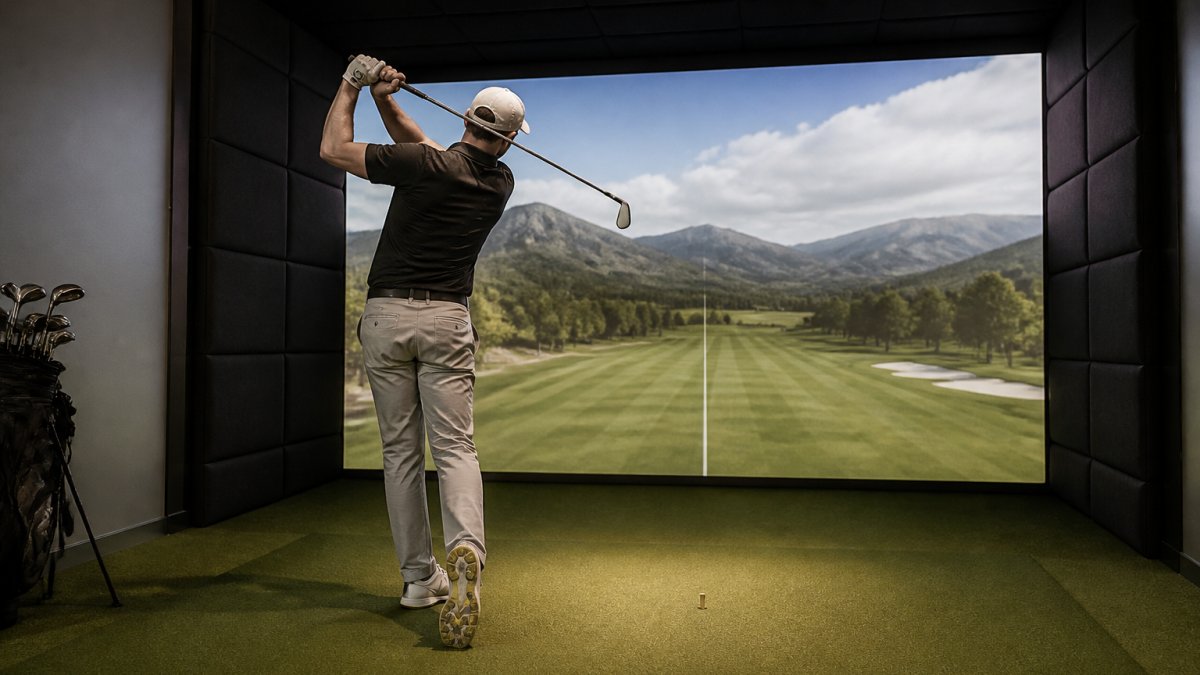
The indoor golf simulator benefits that justify the price are not about novelty. They are about repetition and access. A simulator lets you hit balls in January, at 11 p.m., in the same controlled environment every time. That consistency is what builds a repeatable swing.
Year-Round Practice in Michigan Weather
Michigan winters shut down outdoor golf for months. A simulator keeps your swing sharp through the off-season, so spring does not mean starting over. The feedback loop of hit, read the data, adjust, and hit again compresses months of outdoor learning into weeks.
Total Cost of Ownership: What DIY Setups Really Cost
Total cost of ownership is where the "worth it" question gets answered honestly. Purchase price is only the first line. A DIY build also carries enclosure, screen, projector, mat, computer, software subscription, installation, and a steady drip of replacement and calibration costs.
Break the budget into four buckets and the math gets clearer:
- Upfront hardware. Launch monitor, enclosure frame, impact screen, projector, hitting mat, and a gaming-grade PC. This is the largest single outlay and the one buyers plan for.
- Installation and room prep. Electrical work, projector mounting, screen tensioning, and, in a Michigan basement or garage, insulation and a dedicated HVAC run to control humidity. Contractors bill separately for each trade.
- Recurring software. Course libraries and online play are typically subscription-based, billed annually or monthly, and the fee runs for as long as you own the system. Budget for it every year, not just year one.
- Wear parts and service. Screens crease and tear, projector lamps dim, turf mats compress, and sensors drift out of calibration. Replacement screens and mats are consumables on a multi-year cycle; calibration is a recurring service item.
| Cost Category | DIY Home Build | Membership Model |
|---|---|---|
| Upfront hardware | High, all at once | None |
| Room prep and installation | Owner's responsibility | Handled by facility |
| Software subscriptions | Recurring, per user | Included |
| Maintenance and repairs | Owner's responsibility | Handled by facility |
| Replacement screens, turf, lamps | Owner's responsibility | Handled by facility |
| Climate control (HVAC/dehumidification) | Owner's responsibility | Handled by facility |
| Space required | Dedicated room, ceiling height | None |
| Access hours | Whenever, if at home | Set by facility schedule |
The hidden line item is space. A proper bay needs ceiling height and a room you can dedicate, and most homes cannot spare it. In Michigan, that room also needs insulation and humidity control, an unheated garage bay will swing in temperature and moisture through the year, which is hard on screens, electronics, and turf.
Watch out: a budget rig bought to "test the waters" usually costs more than a season of membership once you add resale losses, subscription fees, and the first round of replacement parts.
Run the TCO over five years, not one. Add the hardware, the annual software fee times five, one screen replacement, one mat replacement, and a calibration service, then compare that number to five years of membership dues. For most players who practice two or three times a week, the membership line comes out lower, and it carries no resale risk.
Resale Value, Maintenance, and Smart Home Integration
Simulator hardware depreciates like consumer electronics, not like a home improvement. Launch monitors age fast as new models ship, and a used screen or enclosure holds little value.
How the Secondary Market Actually Behaves
The resale picture breaks down by component:
- Launch monitors. These hold the most value because they are the brains of the system, but they still depreciate quickly once a successor model ships. Buyers on the secondary market typically want the current generation, so last-generation units move slowly and at a discount.
- Screens and enclosures. A used impact screen has little resale value, it is a wear item with visible creases and stretch marks. Enclosure frames hold slightly better because the metal and fittings do not degrade.
- Projectors. Lamp-based projectors lose brightness with hours of use, and buyers know it.
- Turf and mats. Effectively zero resale value. They compress and wear where the stance and ball position sit.
The practical takeaway: plan on recovering a fraction of the hardware cost, and treat the screen, mat, and projector as sunk costs from day one. A membership model carries none of this resale risk because you never own the depreciating asset.
Maintenance: The Quiet Cost
Maintenance is the other quiet cost. Screens crease and tear, projectors lose brightness, and sensors drift out of calibration. Our guide to indoor golf simulator maintenance covers the daily, weekly, and monthly tasks that keep a system accurate. The short version: clean the screen and lens regularly, rotate or replace the mat when the stance area compresses, and recalibrate sensors on a schedule rather than waiting for readings to feel wrong.
Michigan Climate and Equipment Longevity
This is the factor most buying guides ignore. Michigan's humidity and temperature swings are hard on simulator equipment. A bay in an unheated garage or basement can see wide seasonal swings in temperature and moisture, which can affect equipment:
- Screens absorb moisture and can sag or wrinkle, which distorts projected images and shortens screen life.
- Electronics, projectors, computers, and launch monitors, are sensitive to condensation when a cold room warms quickly.
- Turf and mats can trap moisture and develop odor or premature breakdown.
- Sensors can drift when ambient conditions change dramatically between sessions.
A facility with climate control absorbs that cost for you.
Smart Home Integration
If integration matters to you, verify compatibility with your specific hub before purchase rather than assuming it will work.
When a Private Simulator Membership Beats Buying Equipment
A membership wins when you want the technology without the ownership burden. You get calibrated hardware, maintained screens, and climate control, and you never touch a wrench. For most players, that is the better trade.
If you are weighing plans, our membership options lay out the access tiers. A common mistake is assuming you must play daily to justify a membership.
Test the Bays at Open Tee Golf Before You Commit
The only way to answer "is high-end simulator technology worth it" is to hit balls on a system that is properly maintained. Numbers on a spec sheet do not tell you how the turf feels or whether the ball flight matches your eye.
At Open Tee Golf, our private bays run Full Swing technology with 24/7 member access, climate control, and no tee times. You can visit us in Wyoming to tour the facility and try the bays before deciding.
Frequently Asked Questions
What is the difference between entry-level and high-end simulator technology?
Open Tee Golf's bays run Full Swing simulator technology, and the facility is climate-controlled and fully private.
How accurate is Full Swing simulator accuracy compared to real course conditions?
Open Tee Golf's members use Full Swing simulator technology to practice year-round, including through Michigan winters, without tee times or crowds.
Is high-end simulator technology worth the cost compared to a DIY home setup?
A DIY home setup requires you to handle equipment, space, and maintenance yourself. Open Tee Golf's private membership provides year-round access to Full Swing simulator bays. For current pricing, visit the Open Tee Golf website or request a quote.
Will a beginner golfer actually benefit from precision data?
Open Tee Golf members can book sessions at any hour, so practice fits around work and family schedules, and the private bays offer a crowd-free setting for golfers of all skill levels.
The real question is not whether premium simulator technology costs more. It is whether you will use it enough to matter. If you want year-round practice, reliable data, and a private space to host guests, Open Tee Golf gives you Full Swing simulators, 24/7 access, and fully private bays without the ownership headaches. Get started with Open Tee Golf and put the technology to work on your game.
